
 EN
EN
 ar
ar bg
bg hr
hr cs
cs da
da nl
nl fi
fi fr
fr de
de el
el hi
hi it
it ko
ko no
no pl
pl pt
pt ro
ro ru
ru es
es sv
sv tl
tl iw
iw id
id lv
lv lt
lt sr
sr sk
sk sl
sl uk
uk vi
vi et
et hu
hu th
th tr
tr fa
fa ms
ms hy
hy ka
ka ur
ur bn
bn mn
mn ta
ta kk
kk uz
uz ku
ku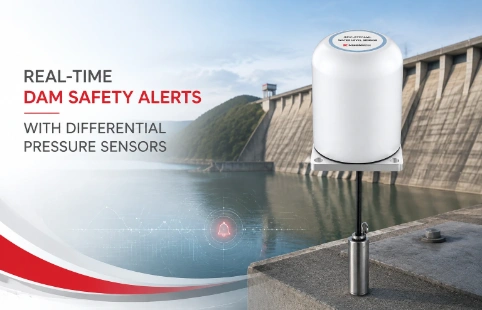
Real-Time Dam Safety Alerts with Differential Pressure Water Level Sensors
Key Takeaways An alert chain needs more than a sensor: define field in...

One Software Suite to Manage All Your Geotechnical Sensors
A monitoring project generates data from many directions—inclinometers, strain gauges, piezometers—each with its own cable, logger, and file format. Switching between programs just to check readings eats up time and invites mistakes. Kingmach built its Monitoring Software Suite to pull all those streams into a single dashboard. The software talks to our hardware out of the box and accepts data from third-party loggers over standard protocols. It is not a generic SCADA tool with geology labels tacked on. The interface reflects real fieldwork: borehole logs, sensor chains, and multi-level settlement cells show up in layouts that match how you installed them. When a threshold trips, the alert can reach you by SMS, email, or a relay output, and the system logs every change so reports are ready for the client meeting.
Technical Detail
The Monitoring Software Suite runs on a local PC or server on site, with an optional web client so project managers can log in from the office. Data arrives through serial connections, TCP/IP, or import from common file formats like CSV and Campbell Scientific’s TOA5. Once connected, the software performs automatic unit conversion and baseline correction, removing steps that engineers often handle manually. Visualizations are built around typical geotechnical reporting: time-series graphs with rainfall overlay, vector plots for inclinometer casings, and contour maps for settlement arrays. Users can group sensors by structure or zone, then apply multi-level alarm logic. For example, a tunnel section might trigger a yellow alert if any two nearby extensometers exceed 2 mm in an hour, and escalate to red if convergence reaches 5 mm. All alarms and acknowledgments are timestamped in an audit trail. Reporting is drag-and-drop: select a date range and sensor group, pick a template, and export a PDF or Excel file with company logo. Kingmach also includes a data maintenance routine that compacts the database and warns when disk space drops below a set limit. Because many monitoring jobs run for years without IT staff on hand, the suite is designed to recover from power loss without corrupting the database. Field technicians can swap sensors and update calibration factors directly from the interface, and the software will recalculate historical values so timelines remain continuous. The licensing is per project, with no recurring subscription for core features. Technical support from Kingmach covers installation, training on site, and remote diagnostics via TeamViewer if needed.
News
Key Takeaways An alert chain needs more than a sensor: define field in...
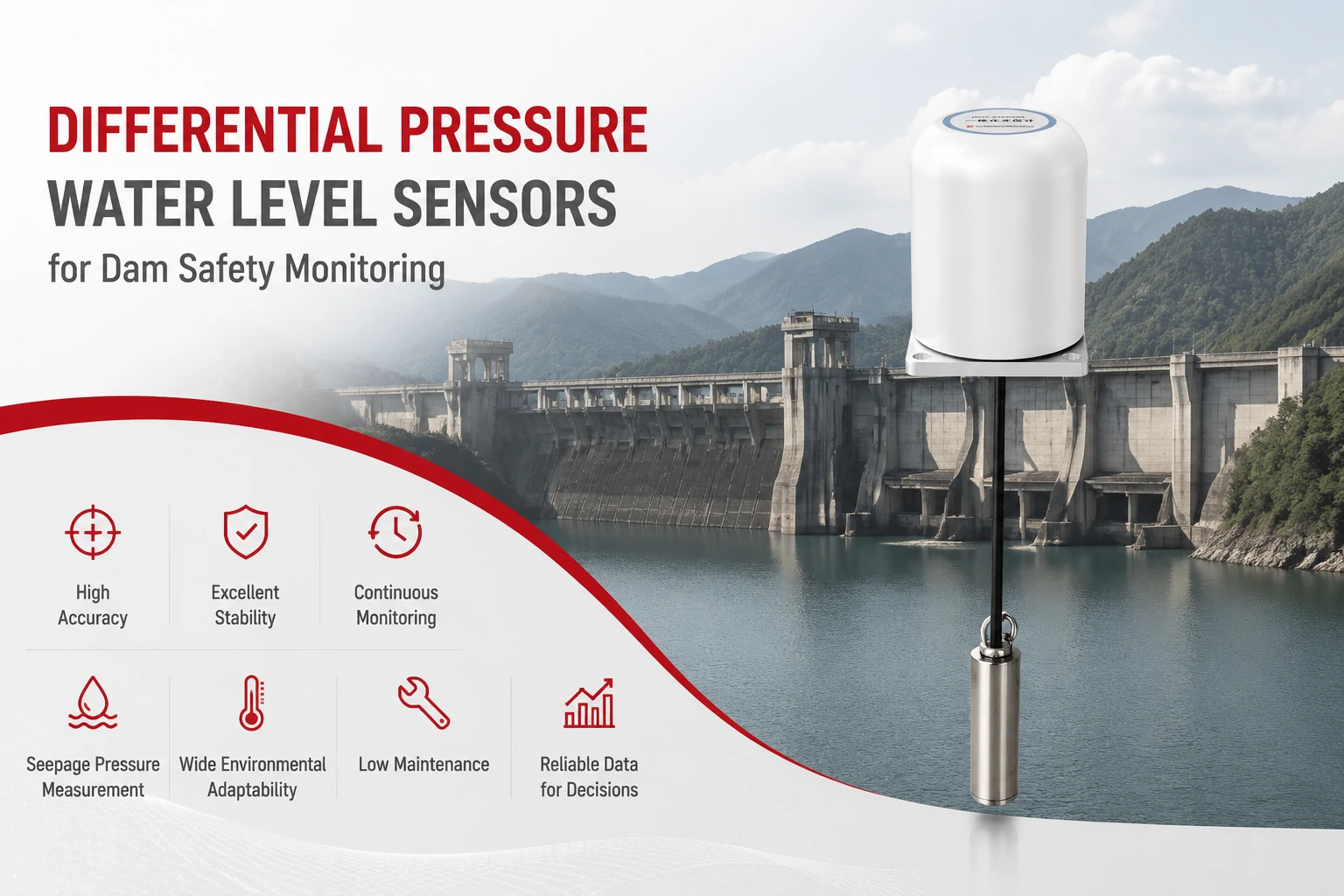
Key Takeaways The strongest fit is usually a confined, submerged, or s...
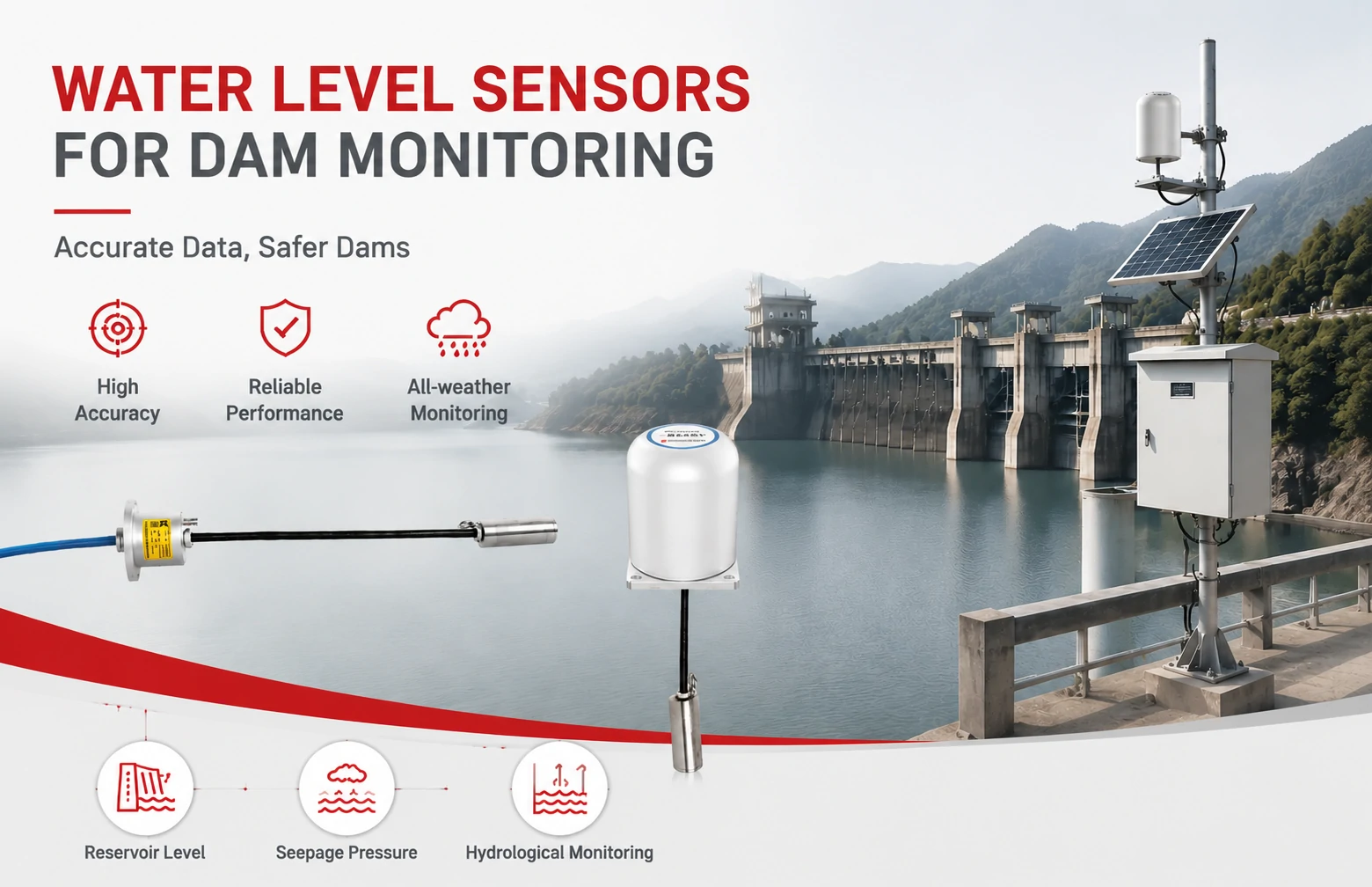
Kingmach Water Level Sensors for Dam Monitoring: A Buyer's Guide to Differential Pre...
Products
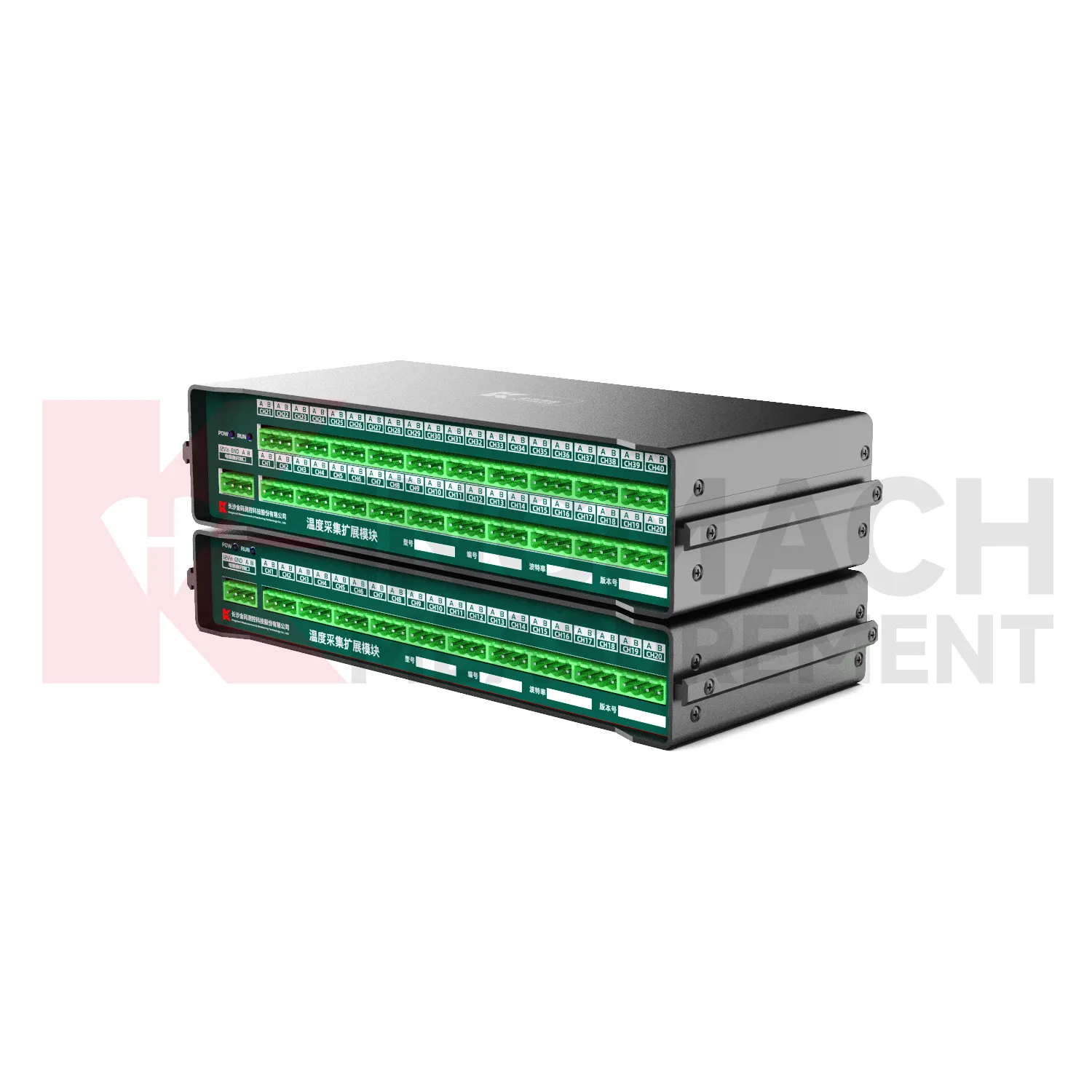
Temperature Acquisition Expansion Module JMWT-XXRTH
View Details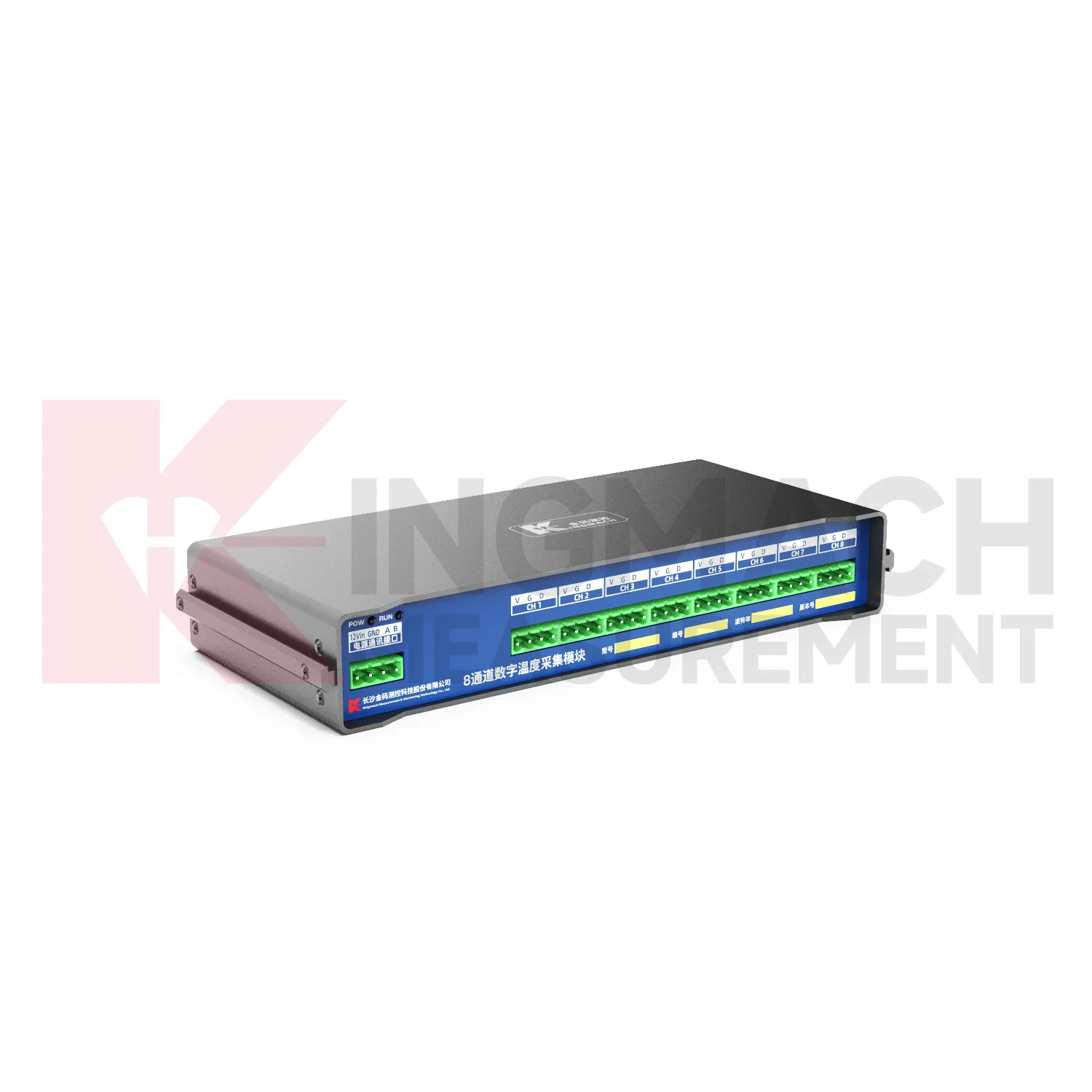
8-Channel Digital Temperature Acquisition ModuleJMWT-8DTH
View Details
FAQ
No. It is preconfigured for Kingmach sensors, but you can add devices from other manufacturers through manual channel setup or standard protocols like Modbus. The manual setup lets you define conversion formulas and alarm thresholds for any analog or digital input.
Yes. The PC-based version supports one operator at the interface, while the optional web client allows read-only access for several users simultaneously. For collaborative editing, we recommend running the software on a server and using remote desktop or the web client.
You enter the new calibration factors along with the exact date of adjustment. The software keeps the original readings unchanged and applies a correction factor from that date onwards, preserving the audit trail. You can toggle between raw and corrected views in reports.
Training is included with the first purchase. It can be on site or remote, typically lasting one to two days depending on the complexity of the sensor mix and alarm configuration. We also provide a startup guide and video walkthroughs for routine tasks.
Share your product type, target capacity, and application requirements. Our team can review the details and recommend a practical next step.
If you are interested in our products or want to become our partner.
Please leave your contact information, our team will contact you as soon as possible.
Mail: [email protected]
Contact Us: +8613808434127
Address: No. 188 Tongzipo West Rd, Changsha, Hunan, China